Introducing shareable folders: share your X bookmarks with a link
October 21, 2026 · 2 min read
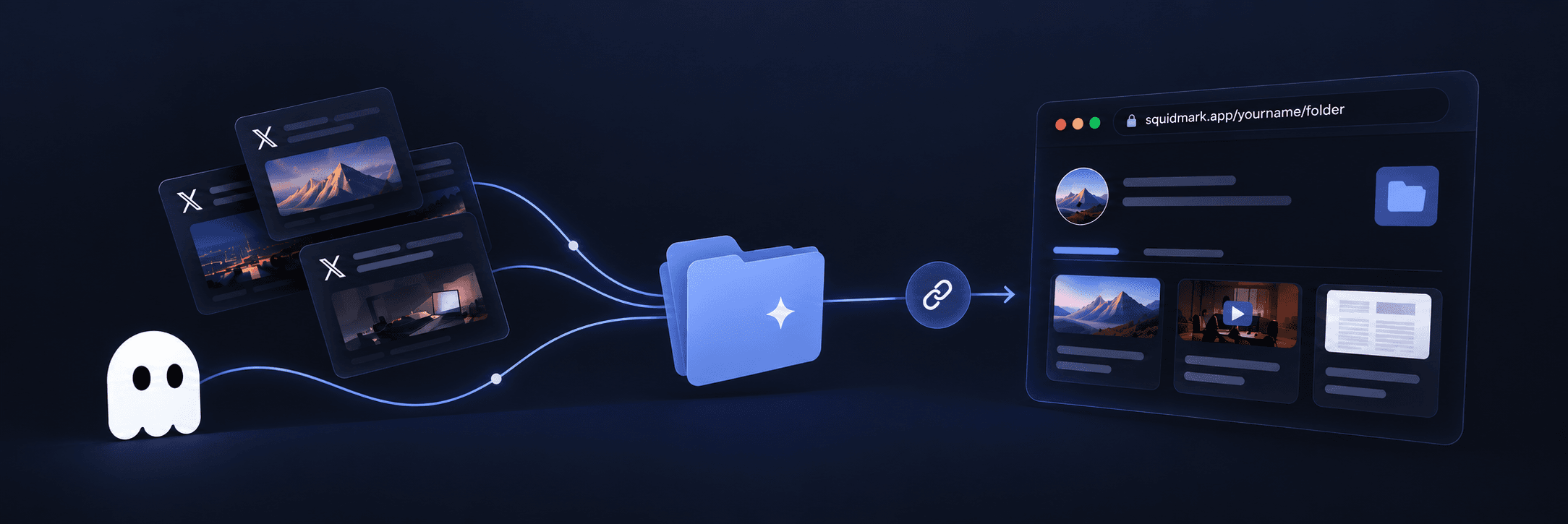
Your best X bookmarks shouldn't be stuck in your account. With shareable folders, you can turn any Squidmark folder into a public page and send the link to anyone. They don't need to log in.
A folder of AI agent threads, the design resources you keep going back to, a reading list for your team: share it with one switch.
How to share a folder
- Open your library and go to Folders.
- Open the folder you want to share and choose the Settings tab.
- Turn on Share publicly.
- Copy the link and send it anywhere.
Your link looks like this:
squidmark.app/your-username/folder-name
Your username is your X handle when it's available. The rest of the link follows the folder's name, so renaming the folder changes the link.
What people see
A shared folder is a clean, public page with:
- Every bookmark in the folder, each with its author, a short AI summary and any image, plus a link to the original post on X.
- A Links tab listing every link shared in those posts: articles, GitHub repos, papers and YouTube videos, with search and filters.
- The folder's name and description, so people know what they're looking at.
Visitors don't need a Squidmark account to read it. If they do have one, their avatar shows in the corner and takes them back to their own library.
What stays private
Only the posts themselves (which are already public on X) and their summaries are shown. Nothing about your reading, the rest of your library or your other folders is shared.
Want to stop sharing? Turn Share publicly off and the page disappears immediately.
Why share your bookmarks?
- Curate for others: turn months of saving into a resource list people will bookmark.
- Onboard a team: give new teammates the threads and docs that matter.
- Show your taste: a public folder is a portfolio of what you read and learn from.
With Auto-sort on, Squidmark keeps filing new saves into the folder, so a shared folder stays up to date by itself.
Open your library and share your first folder.